4 notes in apps

The Wire Reads the Room Now

May 29, 2026 · 2 min read

BOOM?, the Rendered Digital community app I built for the Metro East, has a new home-page panel that reads the room. Quiet hour? It says "Quiet on the wire." Things in motion? It says "What's Happening." A mystery cracks while you're sitting on the page? "Mystery just cracked" flashes green for a moment before settling back. The whole thing updates live, no refresh.
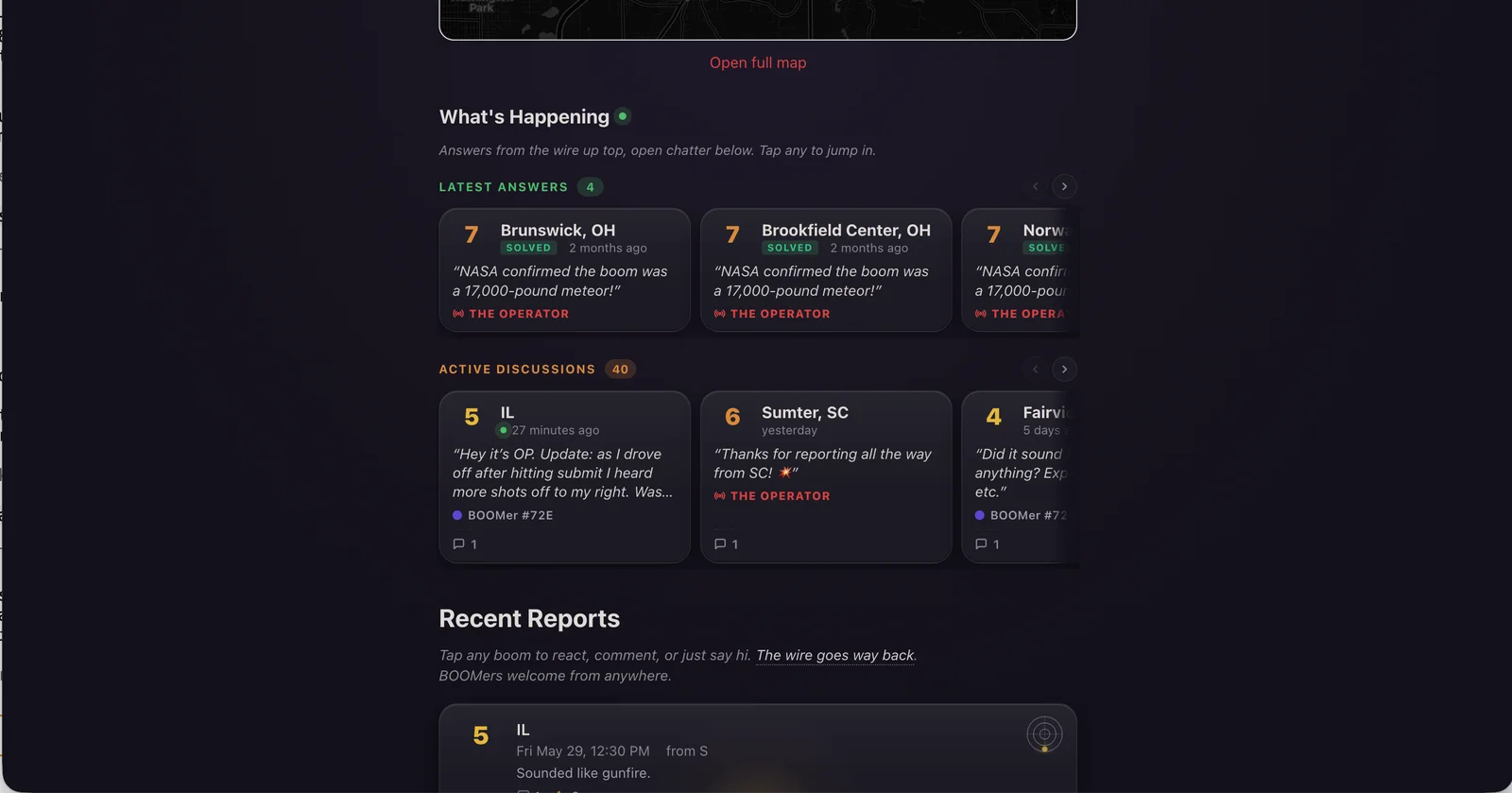
The BOOM? home page showing the new What's Happening panel. Latest Answers cards across the top show recently solved booms with the Operator's call in pull-quote form (one reads "NASA confirmed the boom was a 17,000-pound meteor!"). Active Discussions below shows the next three unresolved booms with chatter from BOOMers.

The panel is called What's Happening, with two halves: Latest Answers (recently solved booms with the Operator's call in a pull-quote) and Active Discussions (every unresolved boom with chatter, lined up in a horizontal lane you can swipe through).
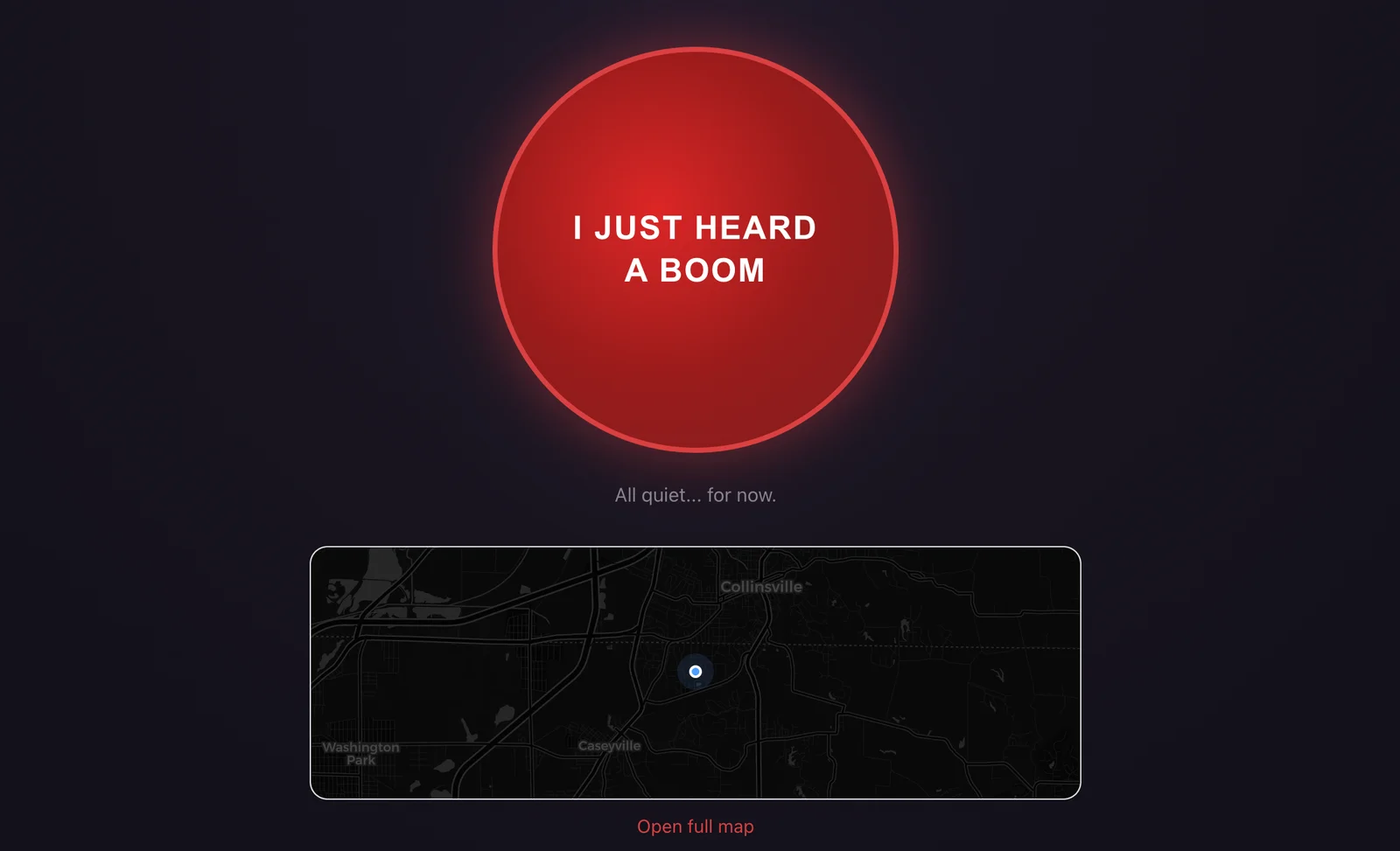
The BOOM? home page above the fold: the big red "I just heard a boom" report button with "All quiet... for now." below it, and a mini-map of the Metro East showing the user's blue location dot near Collinsville and Caseyville.

The button is still the button. Everything new lives below it.

A bunch of smaller things came along too. Every boom detail page now has a file-tab in the top-right showing the area and date. Recent Reports cards light up with a tier-colored glow pointing in the direction the boom came from. And the reactions row got custom icons that finally tie into the tower-and-wire metaphor. More on all of it in the dispatch log.
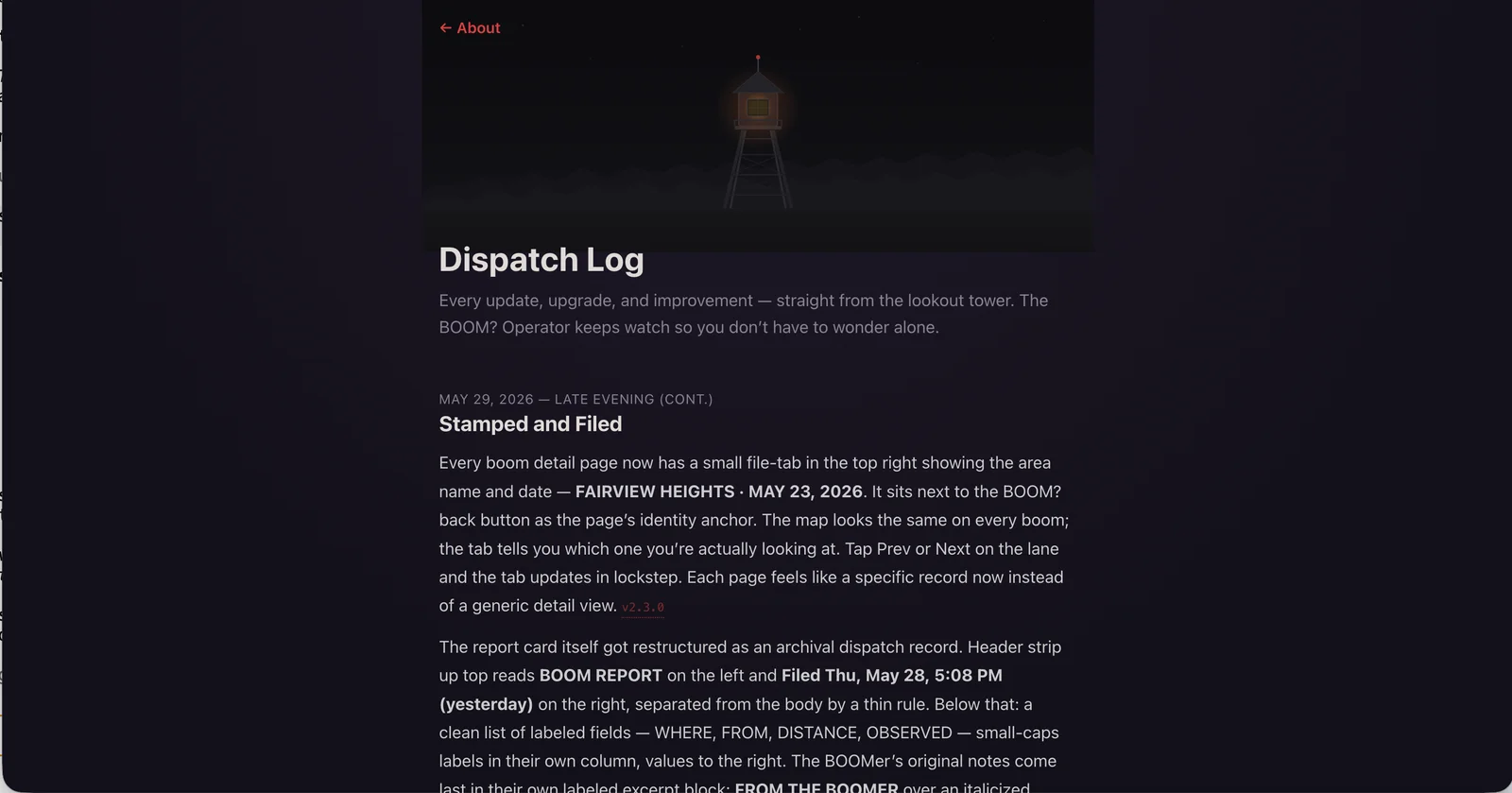
The BOOM? Dispatch Log page, opening with a lookout-tower hero illustration above a list of update entries written in the Operator's voice. The first visible entry, "Stamped and Filed" from May 29, describes the new file-tab on boom detail pages.

From the lookout tower.

The wire is on. Anyone in the Metro East is welcome at whattheboom.com, free and anonymous, and you can install it as a PWA if you want it on your home screen.
Continue reading: The Wire Reads the Room Now

BOOM? Just Got a Memory

May 27, 2026 · 1 min read · ♥ 1

Big update to BOOM? today. The map used to only show the last 24 hours. Now it goes back seven days, thirty days, or the whole year, with a new histogram strip under the filter buttons. Each bar covers an hour, a day, or a week. Click any bar and the map flies to those reports.

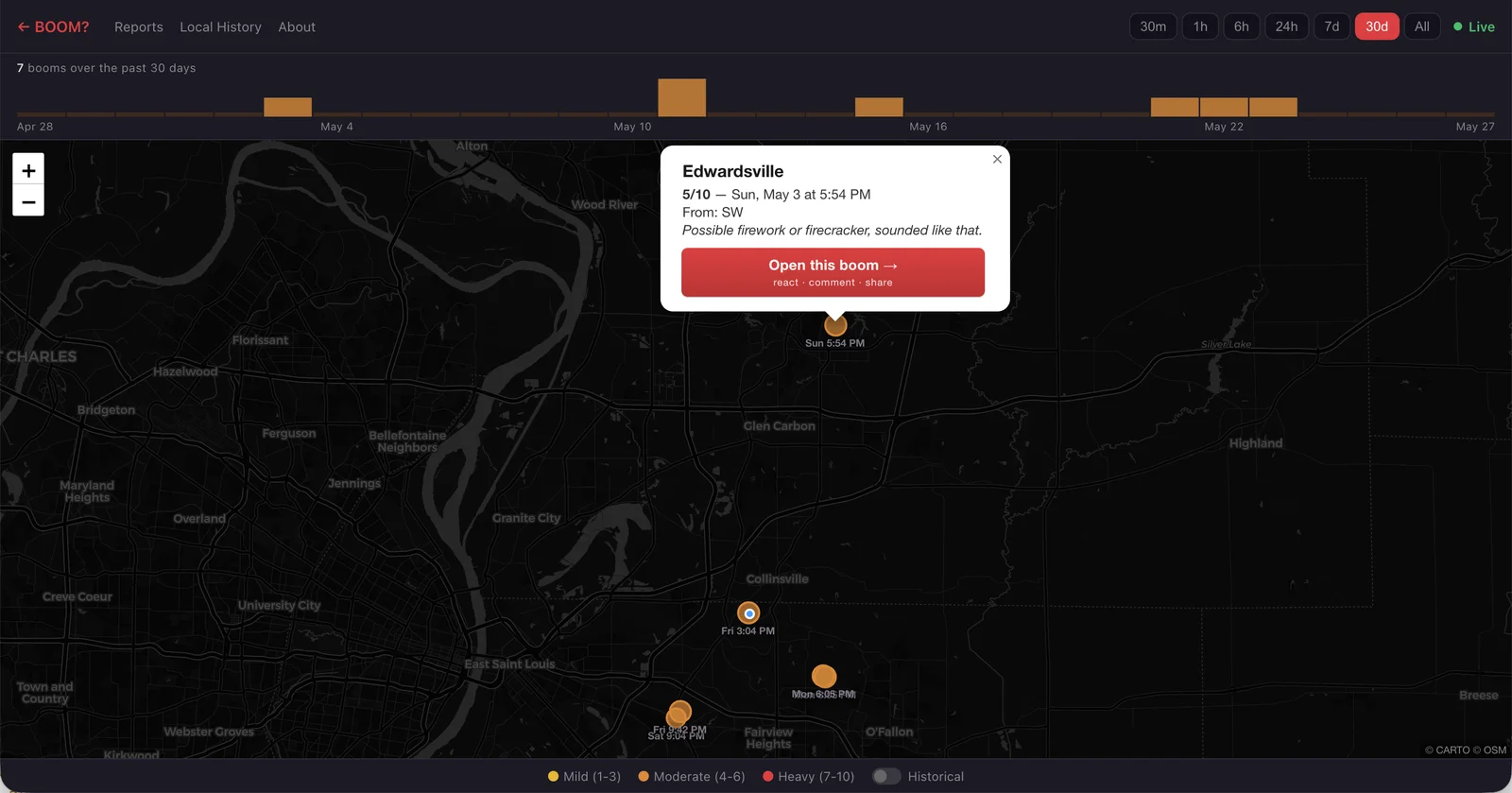
The BOOM? Live Map zoomed to the St. Louis Metro East, with a new histogram strip across the top showing the past thirty days of reports. A popup over an Edwardsville pin reads "Possible firework or firecracker, sounded like that."

On phones the strip turns into a picker wheel. Swipe through time, the bar in the middle stays sharp, the others blur out around it. Like a lens passing over the timeline.

A few smaller things came along for the ride. The home page is now a live radar: booms slide in, the count ticks up, the pin lands on the mini-map without a refresh. The pulsing "you are here" dot follows you to every boom detail page now. And popups on the live map lead with the city.

The map remembers now. Free, anonymous, Metro East. Use it or install the PWA at whattheboom.com.

Continue reading: BOOM? Just Got a Memory

Three Problems, Three Tools, Zero Subscriptions

Apr 22, 2026 · 1 min read · ♥ 1

For 25 years I Googled "random password generator" every time I needed a new password. One day I just built my own so I'd stop doing that. That became Boltkey.

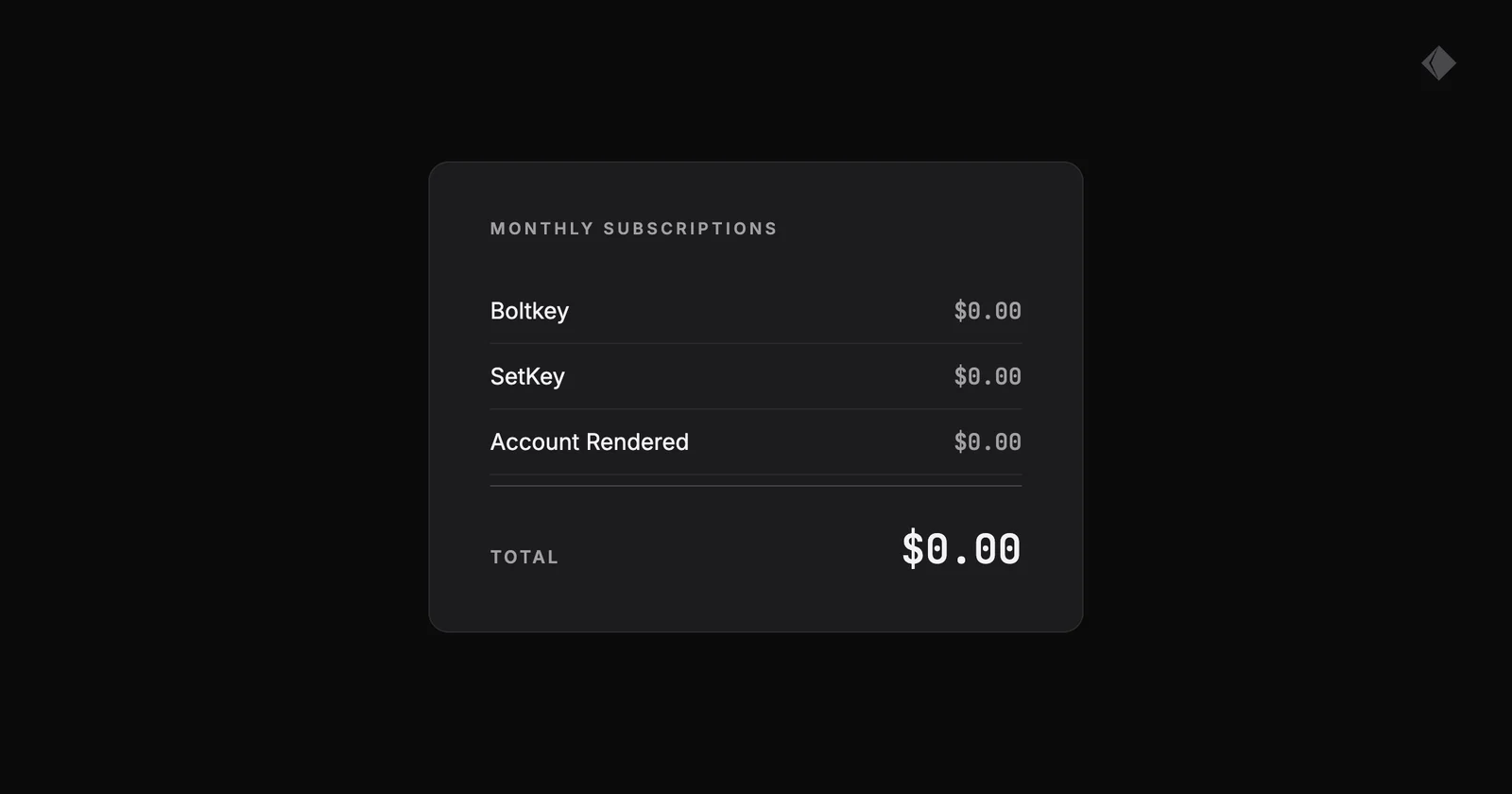
A mock monthly subscription statement listing Boltkey, SetKey, and Account Rendered, each at $0.00, with a total of $0.00.

Then I needed to practice songs in a different key, so I built SetKey.

Then I needed to track expenses without bloated software I'd never fully use, so I built Account Rendered.

Three problems, three tools, zero subscriptions. Sometimes the best app is the one that only does what you actually need.

rendereddigital.io

Continue reading: Three Problems, Three Tools, Zero Subscriptions

Sometimes You Just Need It In a Different Key

Apr 15, 2026 · 2 min read · ♥ 2

Along with the new company announcement yesterday, I’m really proud to announce the release of the SetKey app for Mac from Rendered!

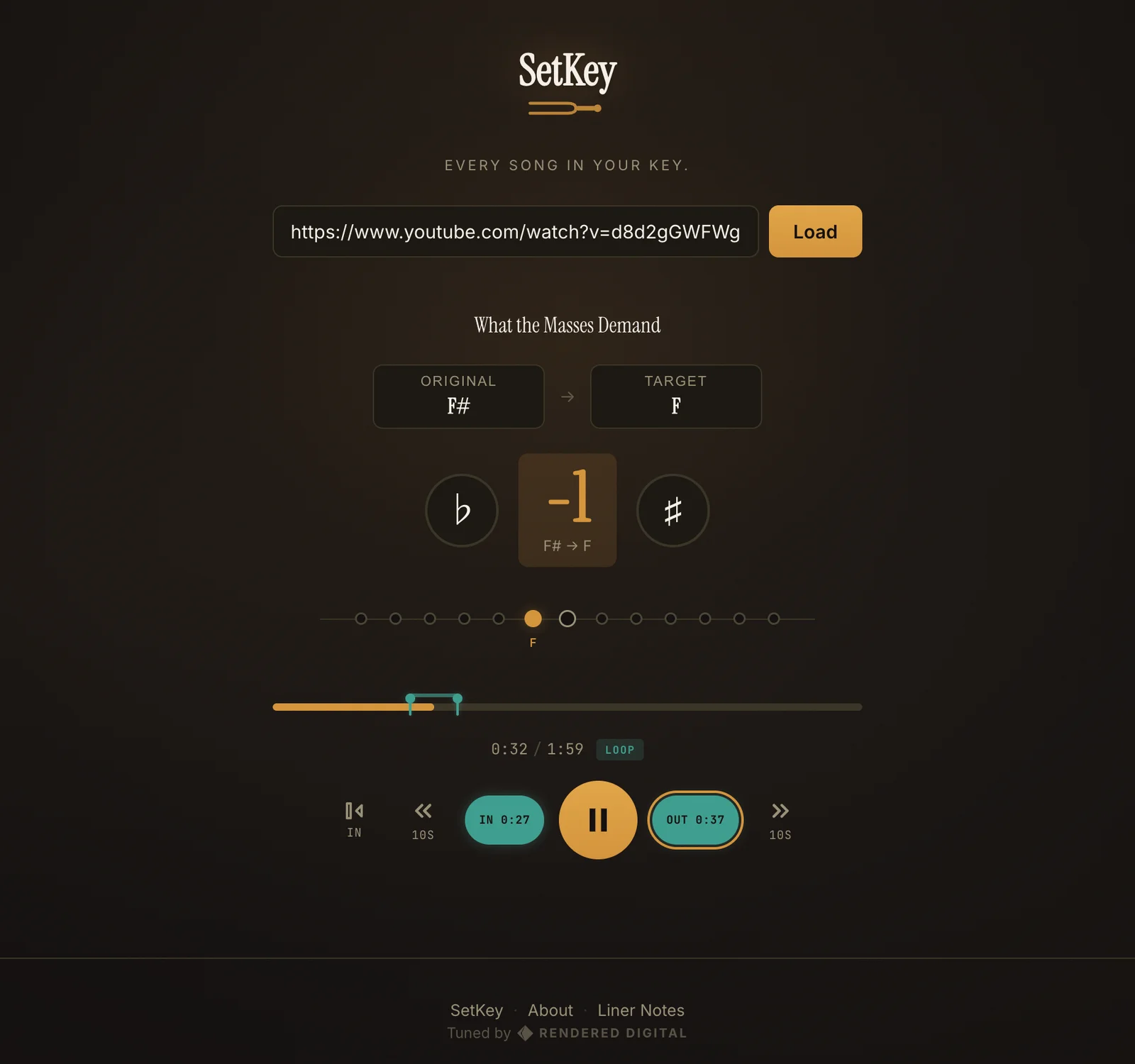
A screenshot of SetKey

SetKey for macOS

As a part-time bassist in the worship band at August Gate church, it was difficult for me to practice along with the reference track (usually on YouTube) of a song because it’s almost always in a different key than we plan to play it in.

For context, when I say what “key” the song is in, it’s kind of how low or how high of a pitch that the song starts in and stays in throughout. Sing the “Happy Birthday” song to yourself, starting in a low voice. Now start it in a high voice, and notice how much harder it might be to hit the higher notes as the song progresses.

In a similar way, when a worship leader or a band decides to play or compose a song, they’ll consider the person that’s going to be singing the lead on the song and where that person’s natural “range” is, so that they can comfortably sing the song from start to finish without struggling or their voice breaking. Then they’ll find the “key” for the song that provides that range.

Since the keys can vary so much, it was nearly impossible to practice alone at home on bass to a YouTube track that was in a different key than we were going to actually be playing it in. Not helpful.

So I built SetKey to detect the original key of the YouTube track, and then allow me to change the key of the playback so that I could play along.

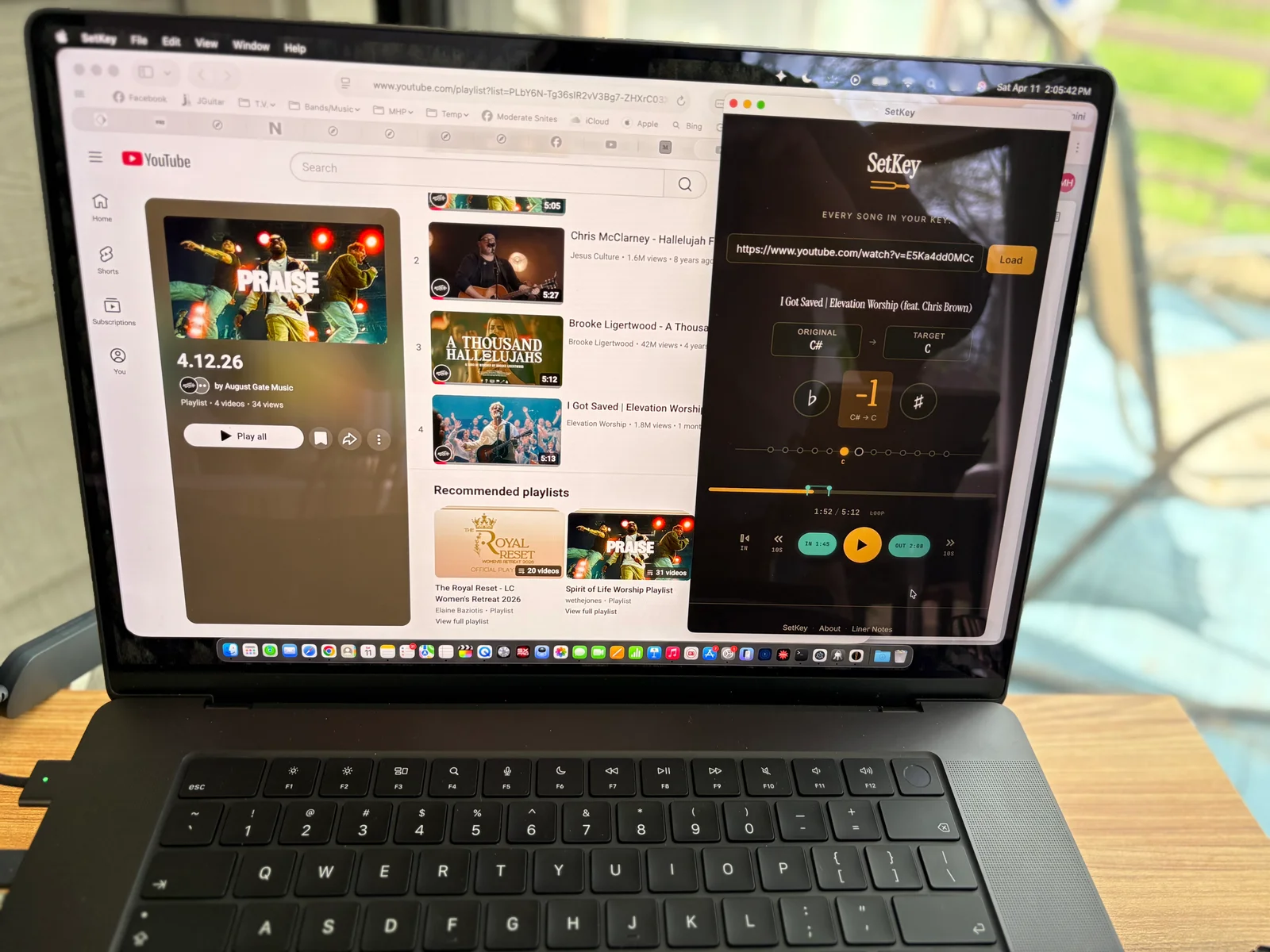
A photo of my laptop running SetKey on top of a YouTube playlist screen.

This was a pre-release version of SetKey running on my MacBook Pro at home while I practiced bass this past Saturday.

That led to a nice looping feature that allowed me to woodshed on tricky parts and passages of a song without taking my hands off the bass. Which then led to the addition of MIDI footswitch capabilities that allow for total hands-free practicing of tracks.

Download it for free from setkey.app and try it if you think it’ll help you prepare for service, a gig, or just to help you practice personally. Let me know if you like it, and share the link!

https://setkey.app

Continue reading: Sometimes You Just Need It In a Different Key