BOOM?, the Rendered Digital community app I built for the Metro East, has a new home-page panel that reads the room. Quiet hour? It says "Quiet on the wire." Things in motion? It says "What's Happening." A mystery cracks while you're sitting on the page? "Mystery just cracked" flashes green for a moment before settling back. The whole thing updates live, no refresh.
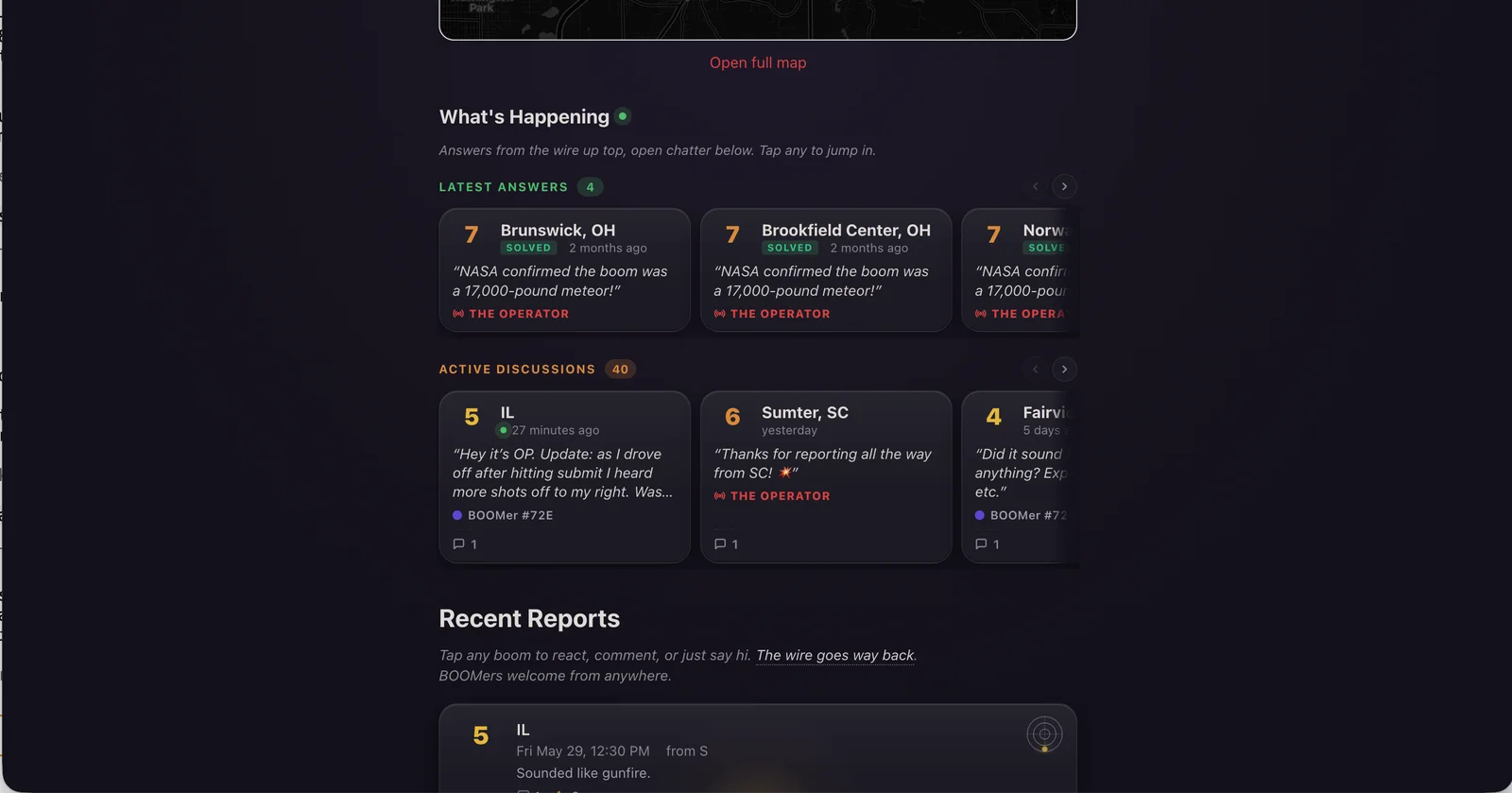
The panel is called What's Happening, with two halves: Latest Answers (recently solved booms with the Operator's call in a pull-quote) and Active Discussions (every unresolved boom with chatter, lined up in a horizontal lane you can swipe through).
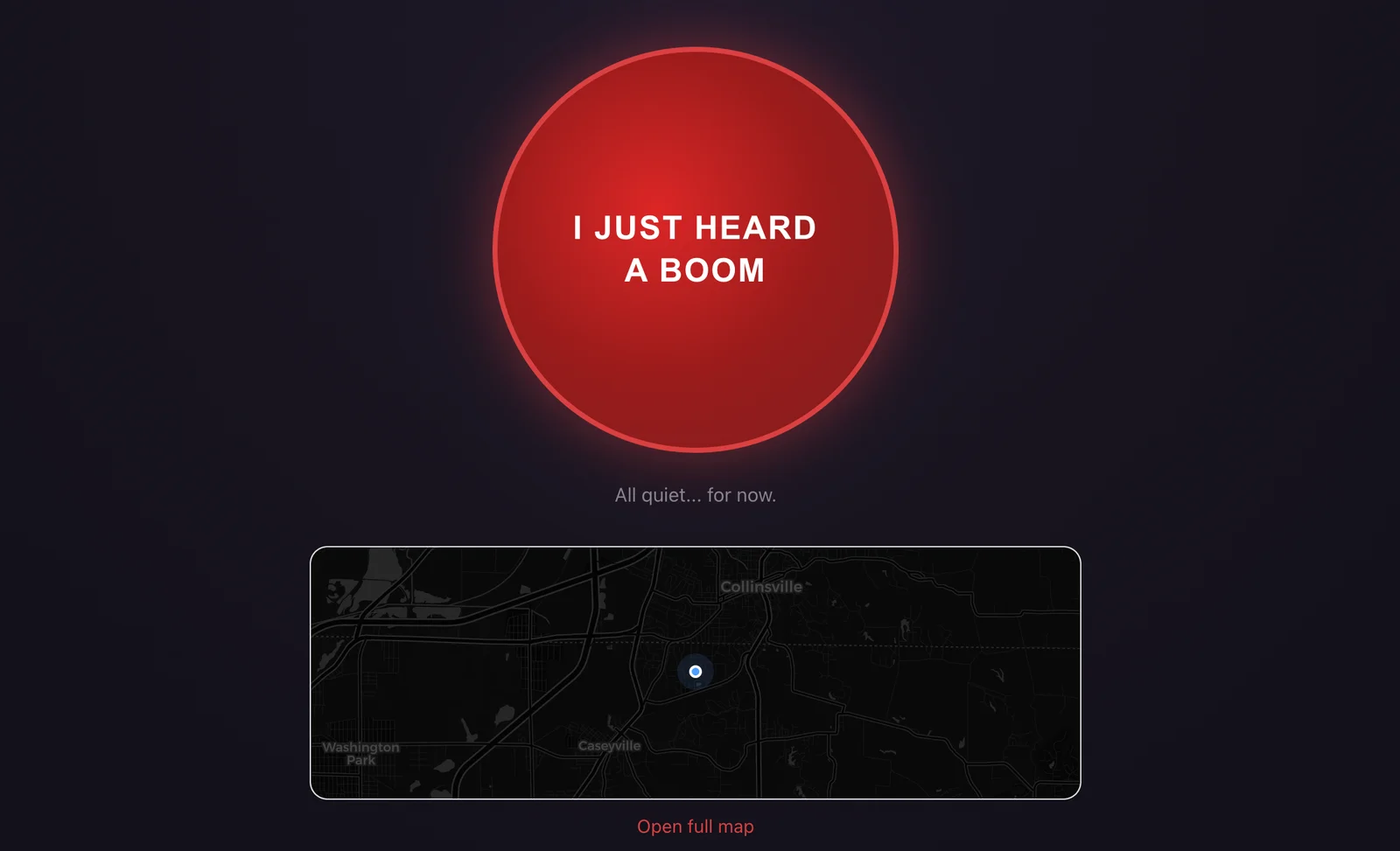
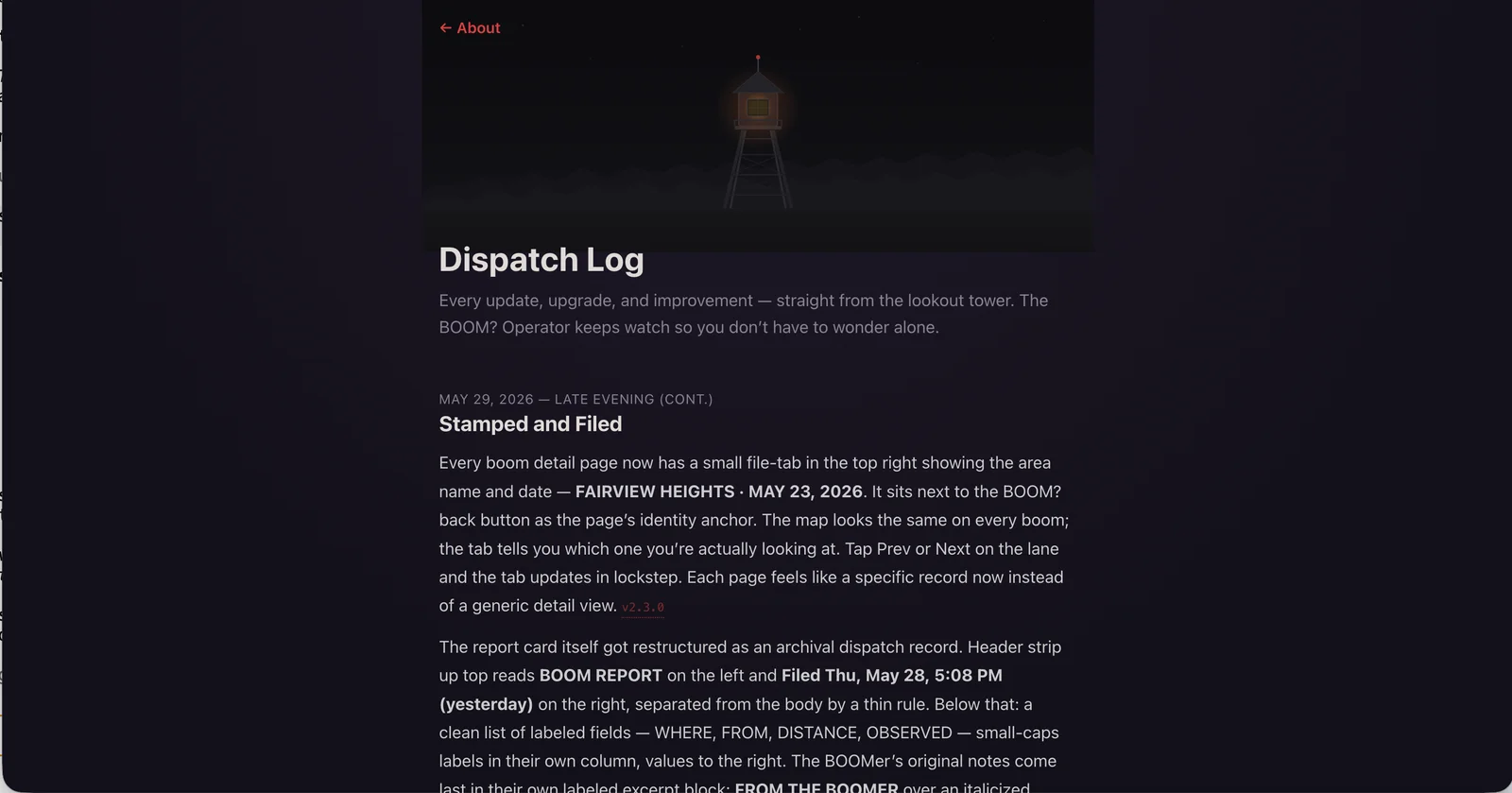
A bunch of smaller things came along too. Every boom detail page now has a file-tab in the top-right showing the area and date. Recent Reports cards light up with a tier-colored glow pointing in the direction the boom came from. And the reactions row got custom icons that finally tie into the tower-and-wire metaphor. More on all of it in the dispatch log.
The wire is on. Anyone in the Metro East is welcome at whattheboom.com, free and anonymous, and you can install it as a PWA if you want it on your home screen.