Along with the new company announcement yesterday, I’m really proud to announce the release of the SetKey app for Mac from Rendered!
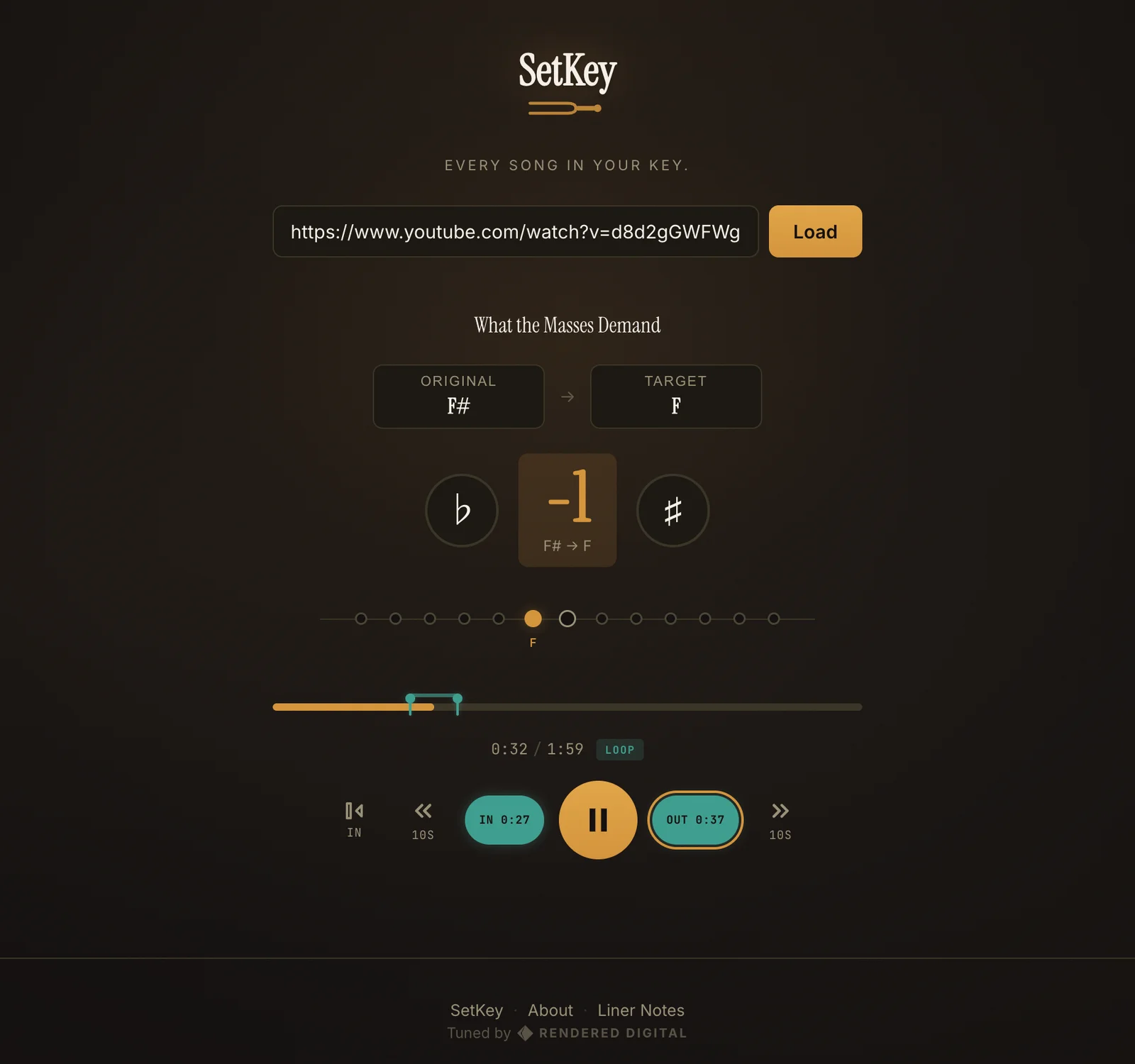
As a part-time bassist in the worship band at August Gate church, it was difficult for me to practice along with the reference track (usually on YouTube) of a song because it’s almost always in a different key than we plan to play it in.
For context, when I say what “key” the song is in, it’s kind of how low or how high of a pitch that the song starts in and stays in throughout. Sing the “Happy Birthday” song to yourself, starting in a low voice. Now start it in a high voice, and notice how much harder it might be to hit the higher notes as the song progresses.
In a similar way, when a worship leader or a band decides to play or compose a song, they’ll consider the person that’s going to be singing the lead on the song and where that person’s natural “range” is, so that they can comfortably sing the song from start to finish without struggling or their voice breaking. Then they’ll find the “key” for the song that provides that range.
Since the keys can vary so much, it was nearly impossible to practice alone at home on bass to a YouTube track that was in a different key than we were going to actually be playing it in. Not helpful.
So I built SetKey to detect the original key of the YouTube track, and then allow me to change the key of the playback so that I could play along.
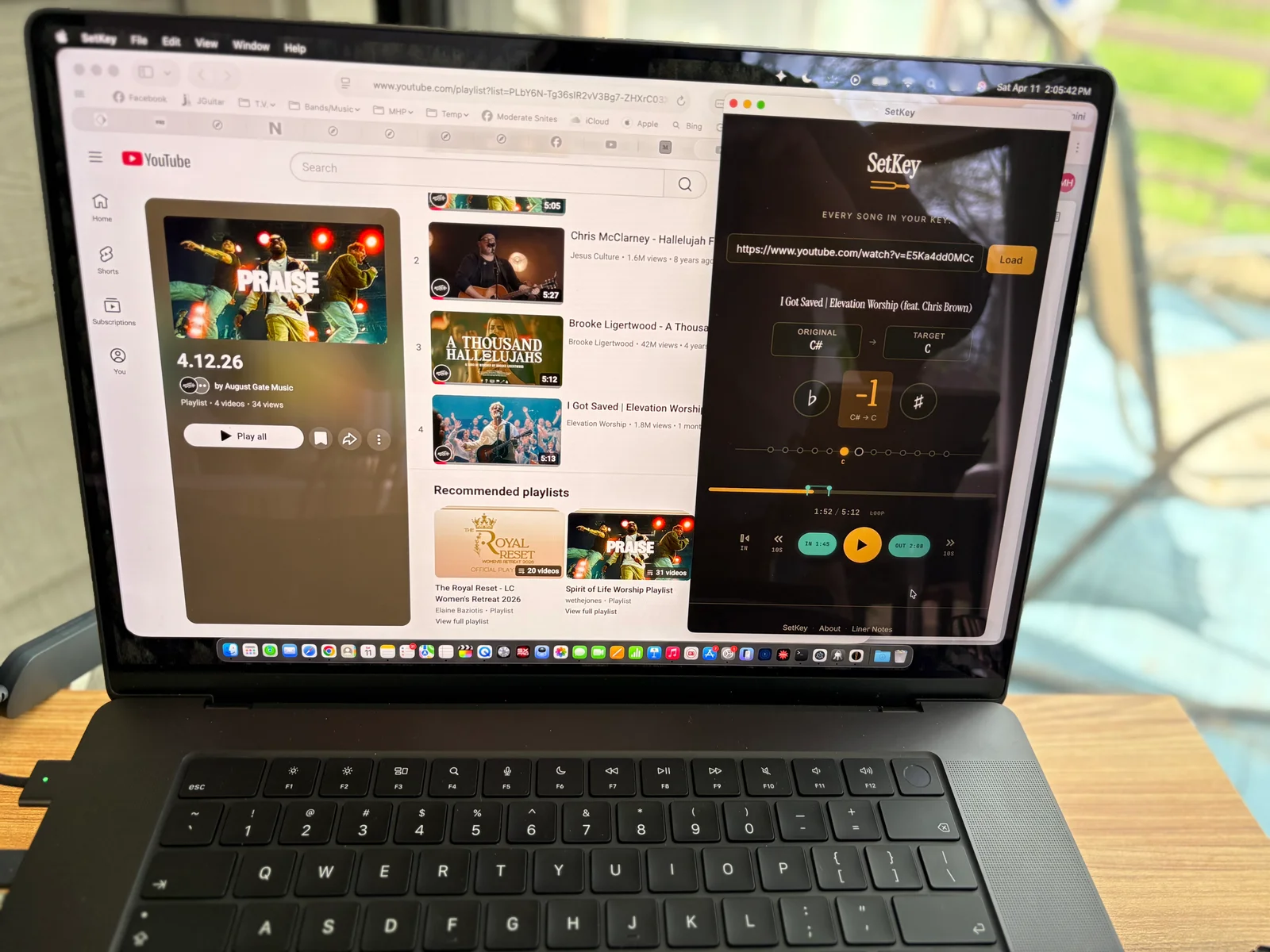
That led to a nice looping feature that allowed me to woodshed on tricky parts and passages of a song without taking my hands off the bass. Which then led to the addition of MIDI footswitch capabilities that allow for total hands-free practicing of tracks.
Download it for free from setkey.app and try it if you think it’ll help you prepare for service, a gig, or just to help you practice personally. Let me know if you like it, and share the link!